
Topic
iOrder Software
Step-by-step instructions for using iOrder software.
Articles about iOrder Software
 iOrder Software
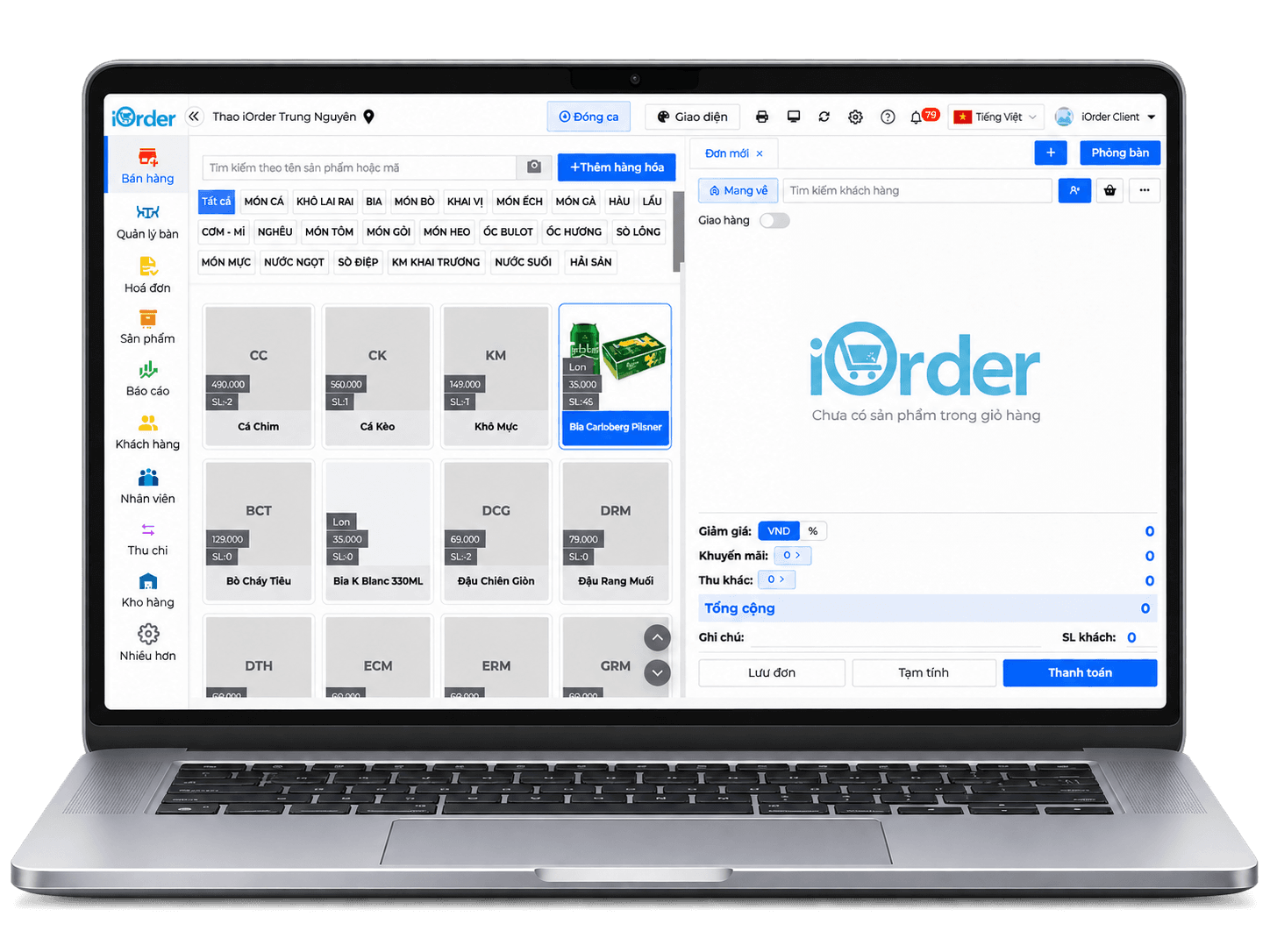
Instructions for using the sales screen
Instructions for the sales screen on iOrder: switch service mode, select dishes, view list of selected dishes and manipulate orders.
 iOrder Software
Instructions for viewing sales reports
Instructions for sales reporting on iOrder: revenue, number of orders, number of customers and charts to track store business performance.
 iOrder Software
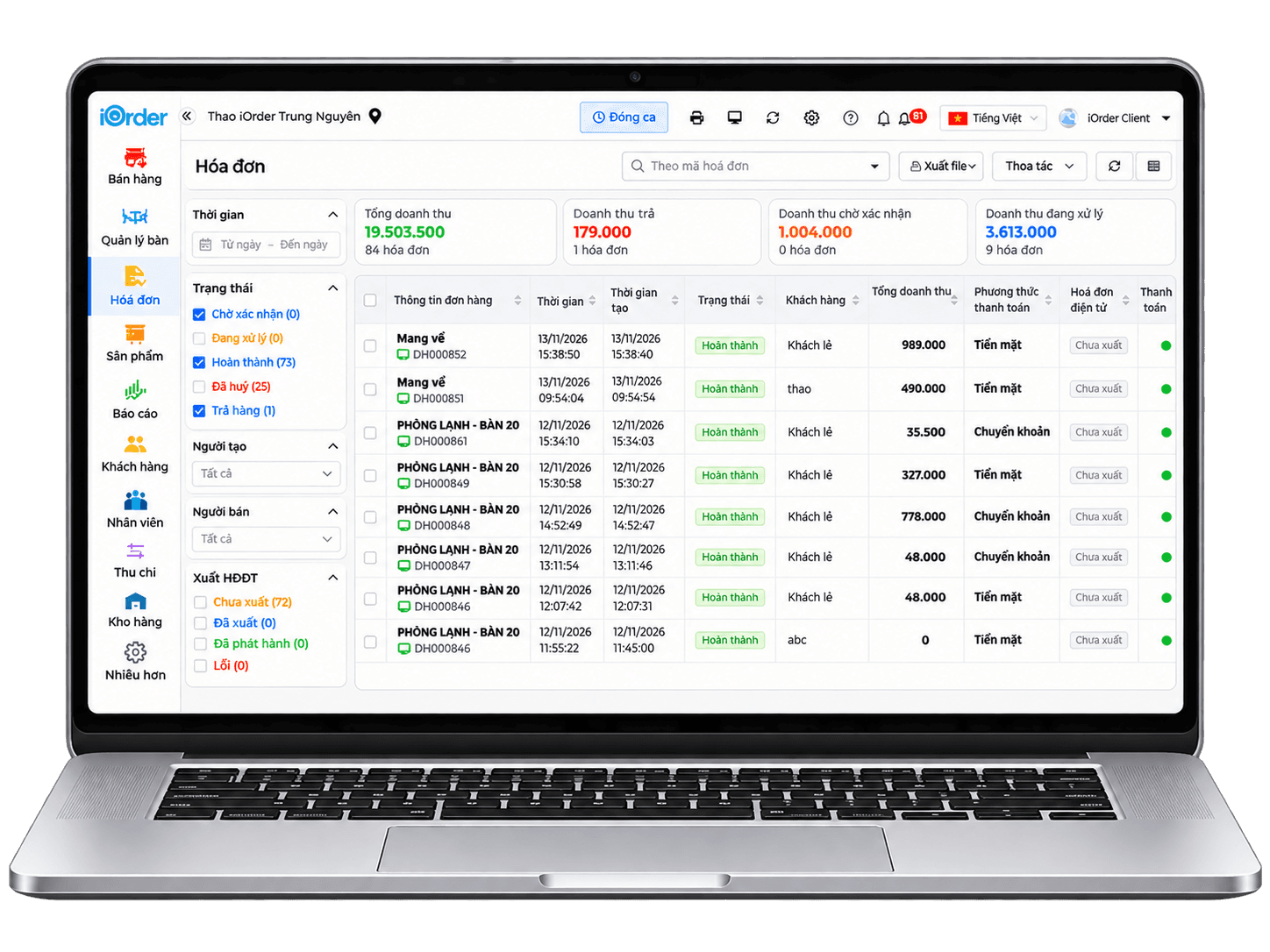
Instructions for invoice management
Instructions for managing invoices on iOrder: search and filter invoices, view product and customer information, issue electronic invoices.
 iOrder Software
Instructions for closing sales shifts
Instructions for closing a sales shift on iOrder: opening a shift, recording income and expenses during the shift, and checking cash balances for transparent cash management.
 iOrder Software
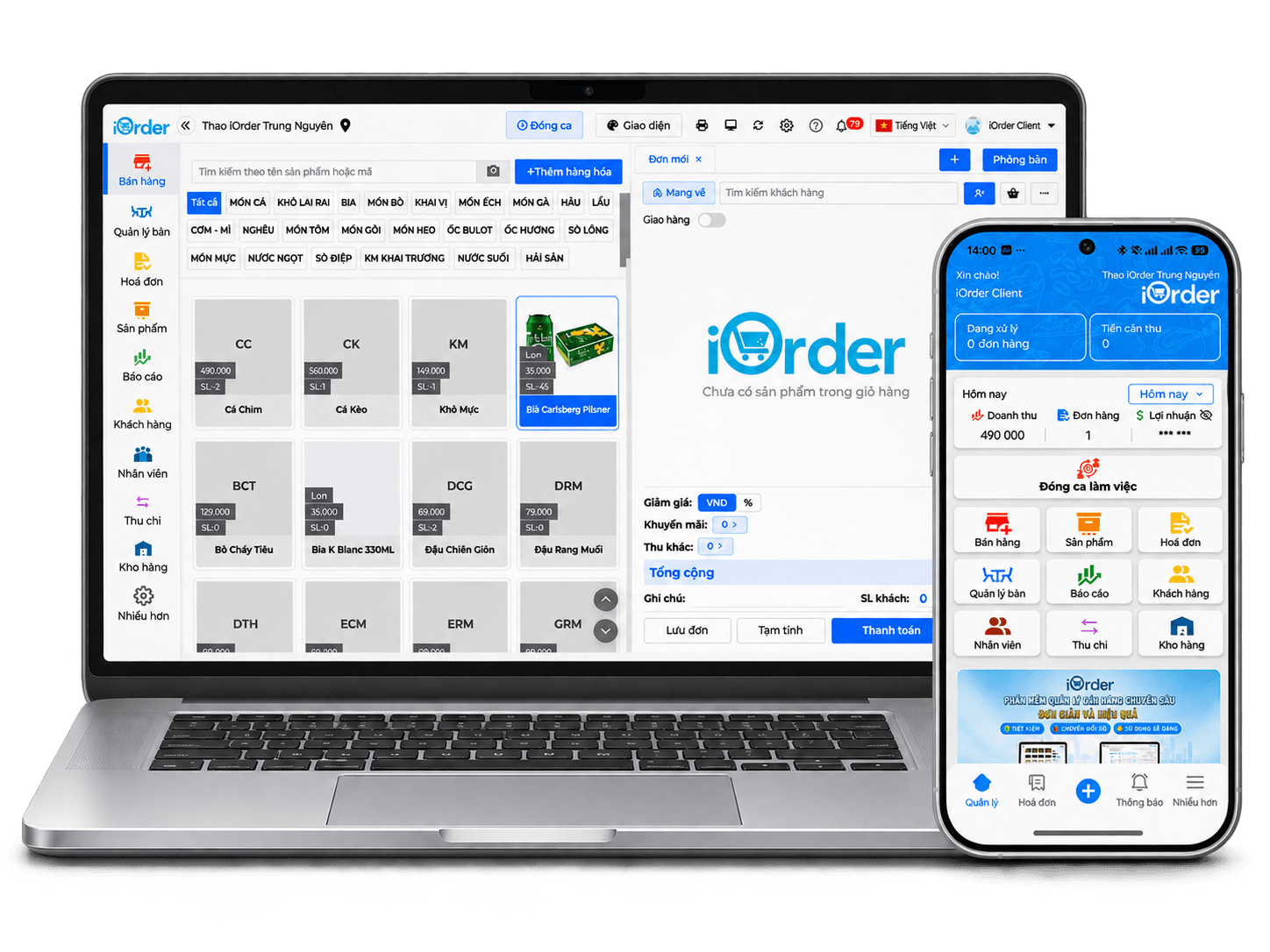
Guide to customer management
Instructions for customer debt on iOrder: view, edit customer information and track revenue of each customer.
 iOrder Software
Guide to warehouse management
Instructions for managing inventory on iOrder: add and edit suppliers, create and find goods receipts, track inventory.
iOrder SoftwareGuide to employee management
Instructions for decentralizing employees on iOrder: add, view, edit employees and create roles to decentralize basic operations.
 iOrder Software
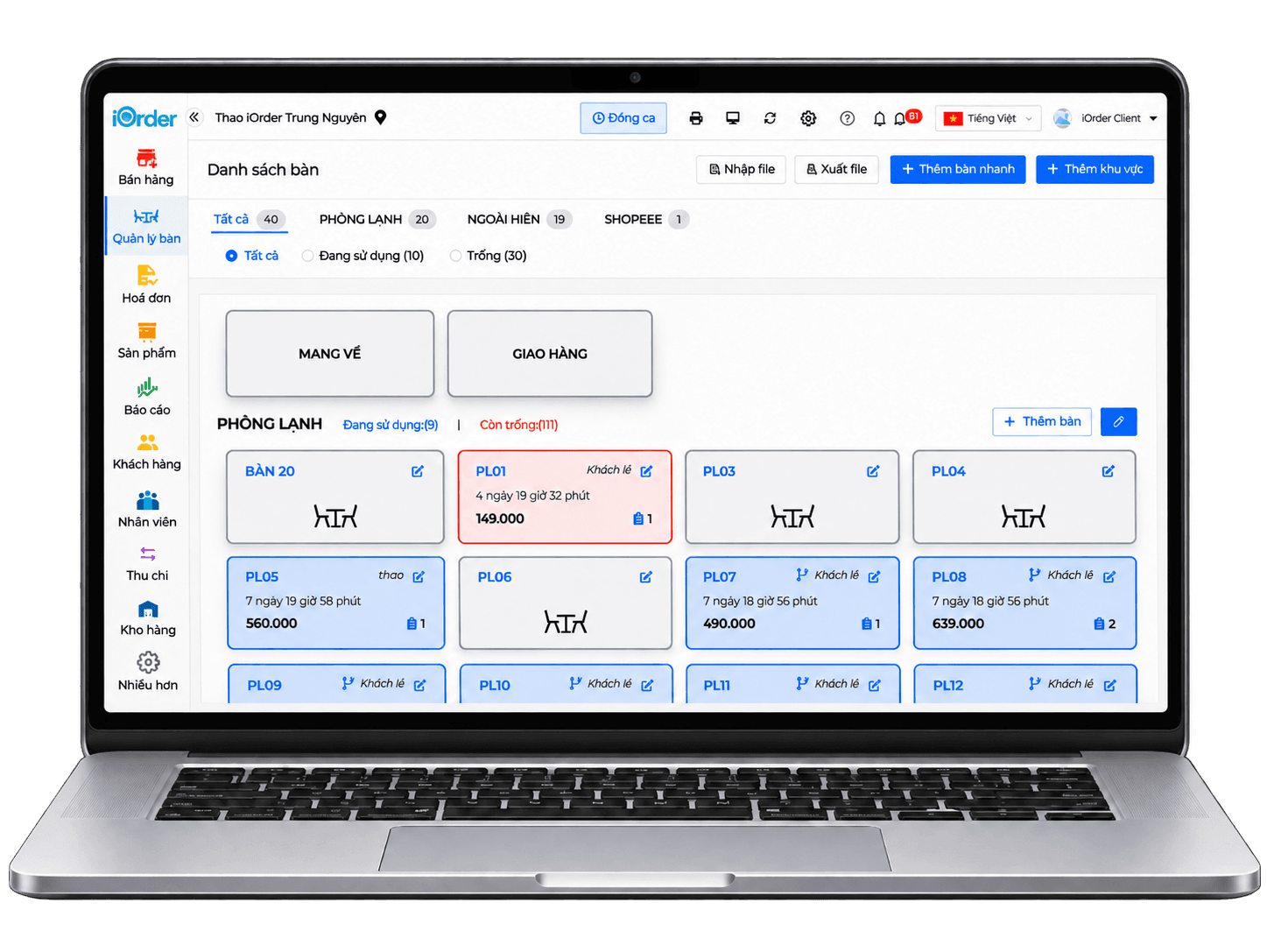
Instructions for table management
Instructions for managing tables on iOrder: view table status, edit table name and location, switch to Take Away or Delivery.
iOrder SoftwareProduct management guide
Instructions for managing products on iOrder: arrange and create categories, search, add and edit goods, services, and combo items.
iOrder SoftwareInstructions for revenue and expenditure management
Instructions for managing income and expenditure on iOrder: view financial overview, track daily income and expenditure table, add receipts, expenses and transfer money.
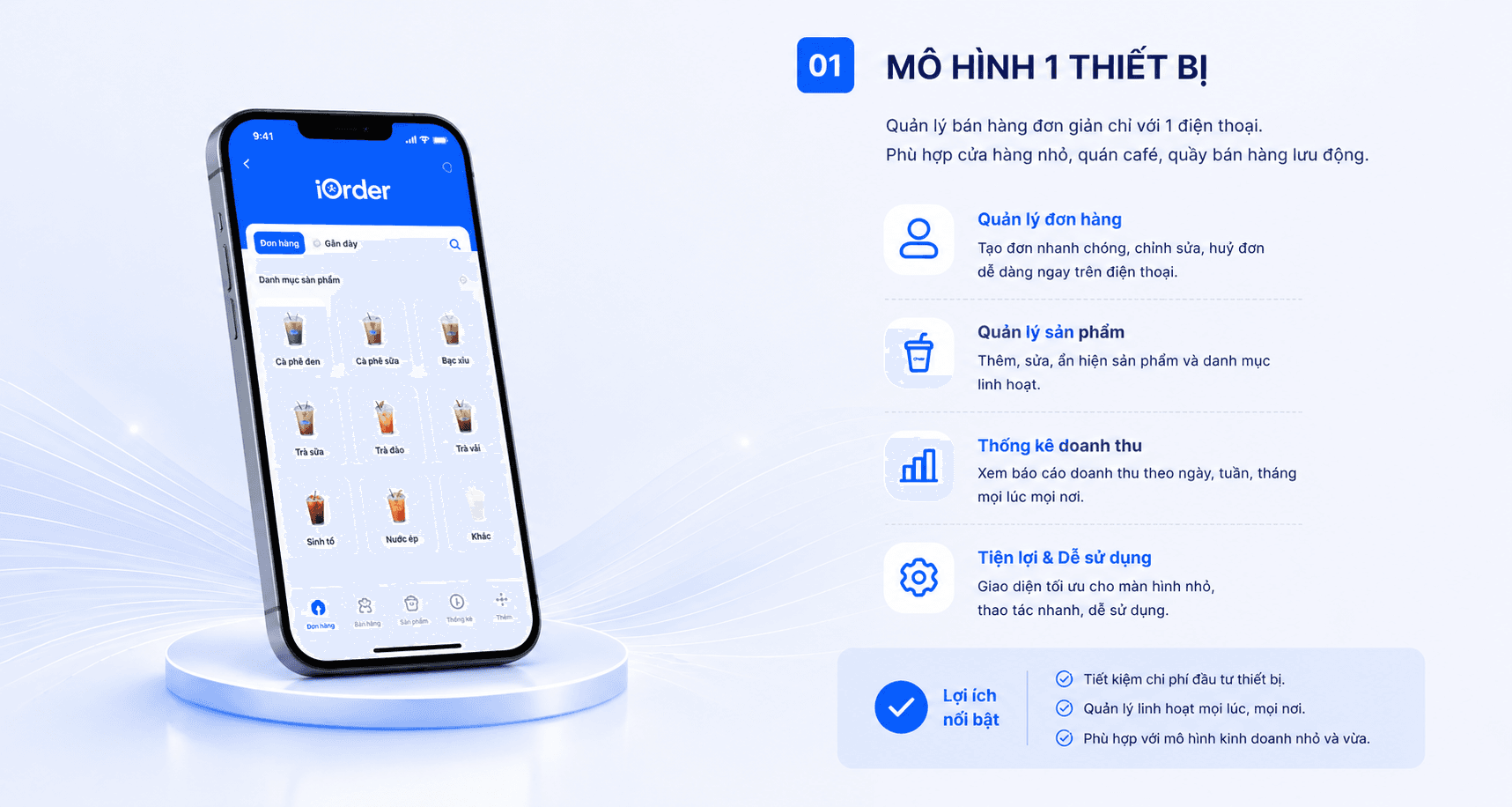 iOrder Software
Instructions for viewing revenue reports
View sales by day, shift, employee and best-selling items.
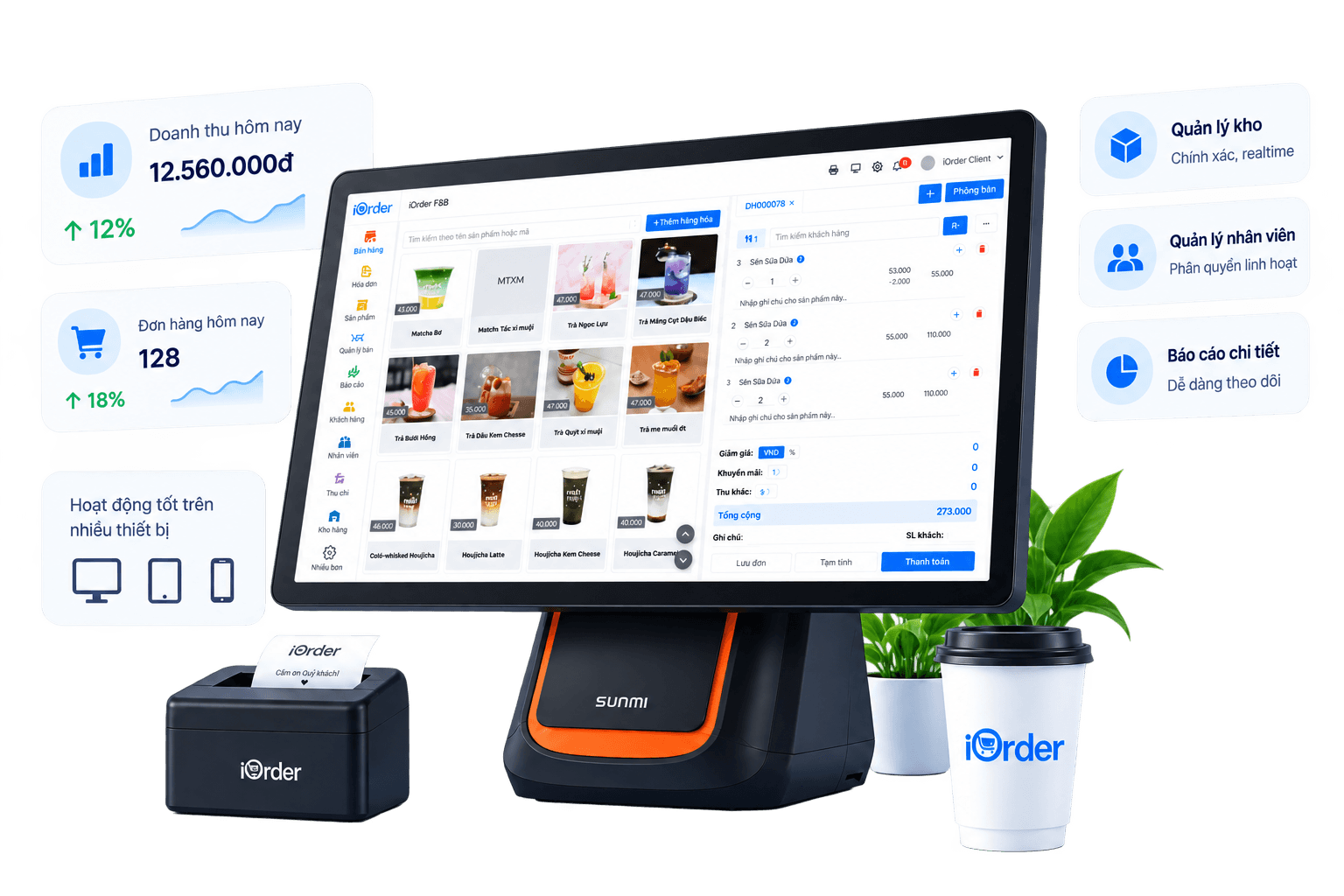 iOrder Software
Instructions for installing a receipt printer
Connect the thermal printer via USB or LAN and test print the receipt.