
VNPT
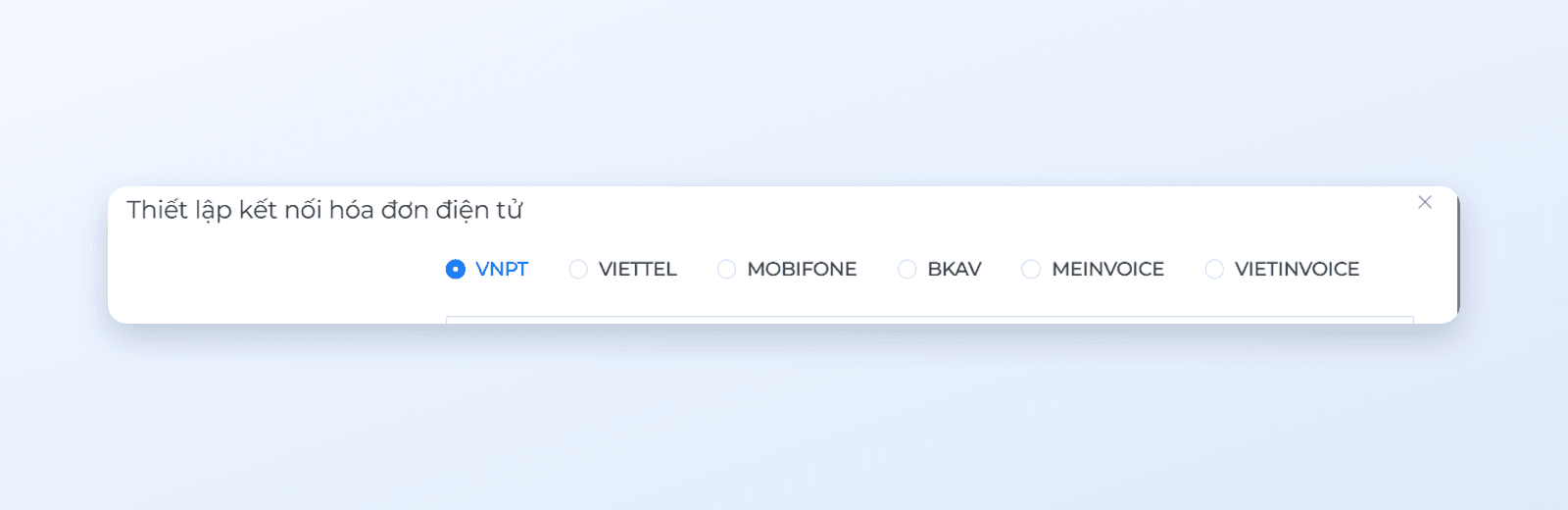
Select VNPT in the Connection Setup screen to export electronic invoices from iOrder.
E-invoices & Digital Signatures
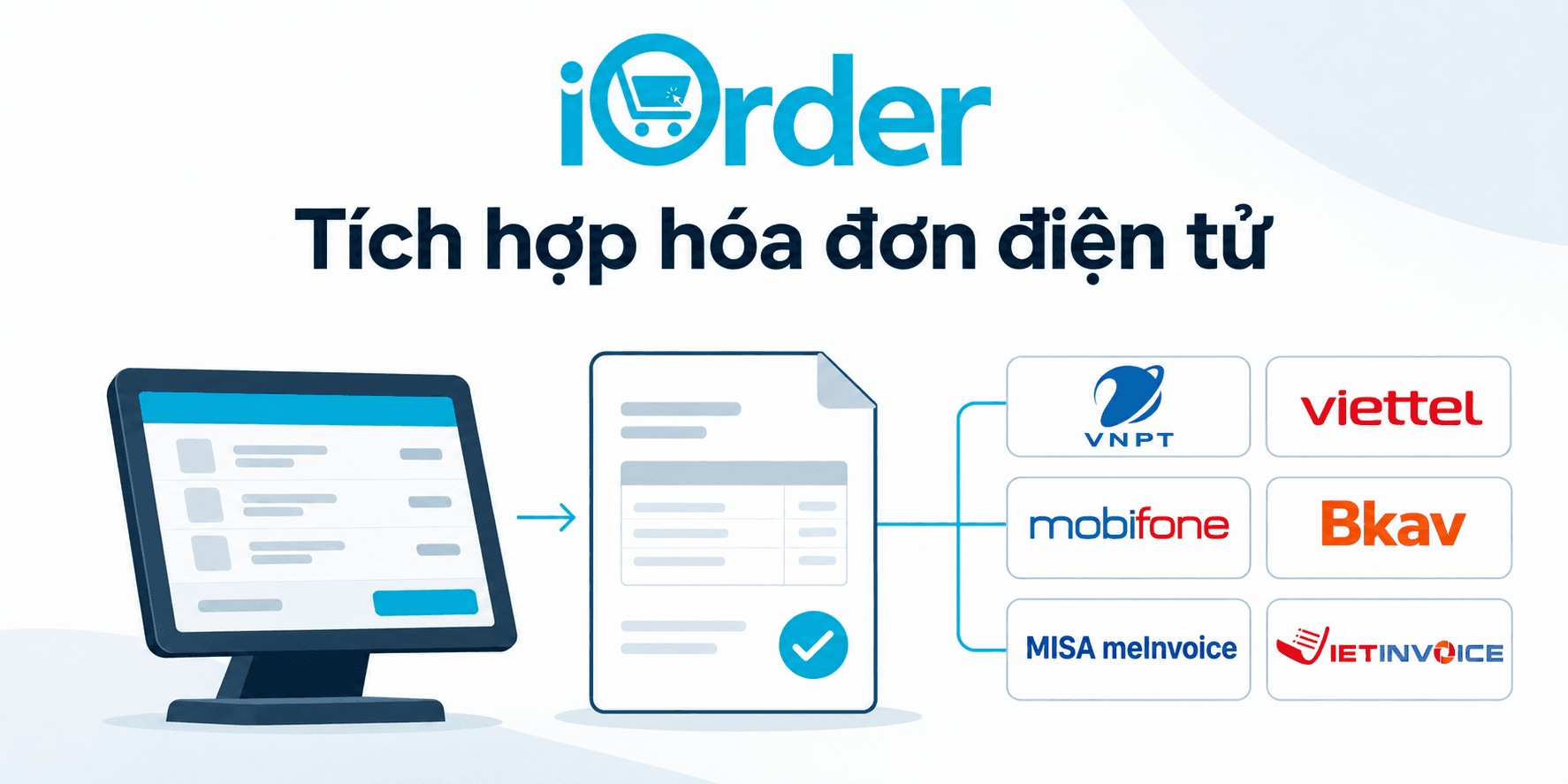
Export electronic invoices right from sales orders on iOrder. Connect VNPT, Viettel, MobiFone, BKAV, MeInvoice or VietInvoice in one setup screen.
Overview
Connect iOrder with an electronic invoice provider to issue invoices from sales orders, sign with a digital signature and email them to customers automatically.
Connect
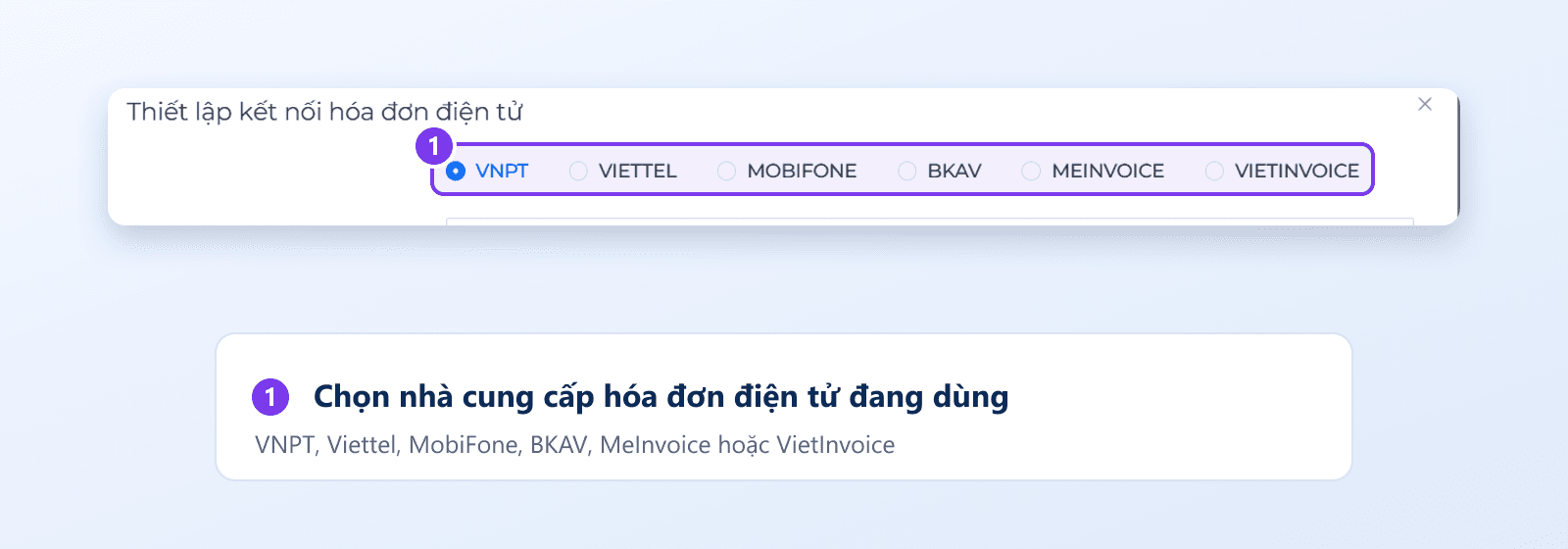
iOrder has a screen to Set up electronic invoice connection: select the supplier your business is using and then connect to issue invoices from sales orders.
Supplier
Whichever supplier a business is using, select the correct supplier in iOrder.
Select VNPT in the Connection Setup screen to export electronic invoices from iOrder.
Select Viettel in the Connection Setup screen to export electronic invoices from iOrder.
Select MobiFone in the Connection Setup screen to export electronic invoices from iOrder.
Select BKAV in the Connection Setup screen to export electronic invoices from iOrder.
Select MeInvoice in the Connection Setup screen to export electronic invoices from iOrder.
Select VietInvoice in the Connection Setup screen to export electronic invoices from iOrder.
Procedure
Go to Set up electronic invoice connection and select the supplier you are using.
Cashier creates order and payment on Sales screen.
Electronic invoices are created from sales orders, without having to re-enter information.
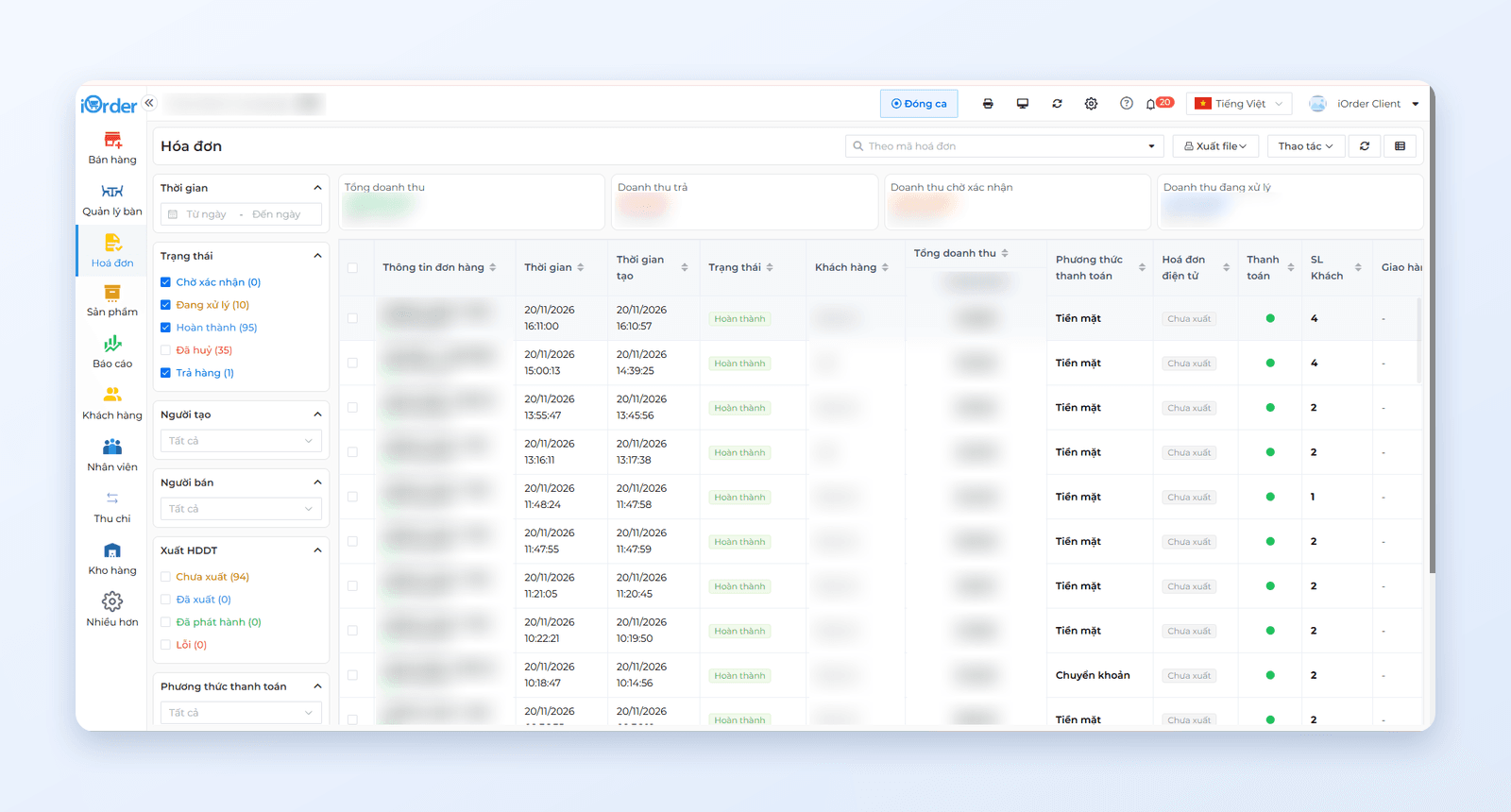
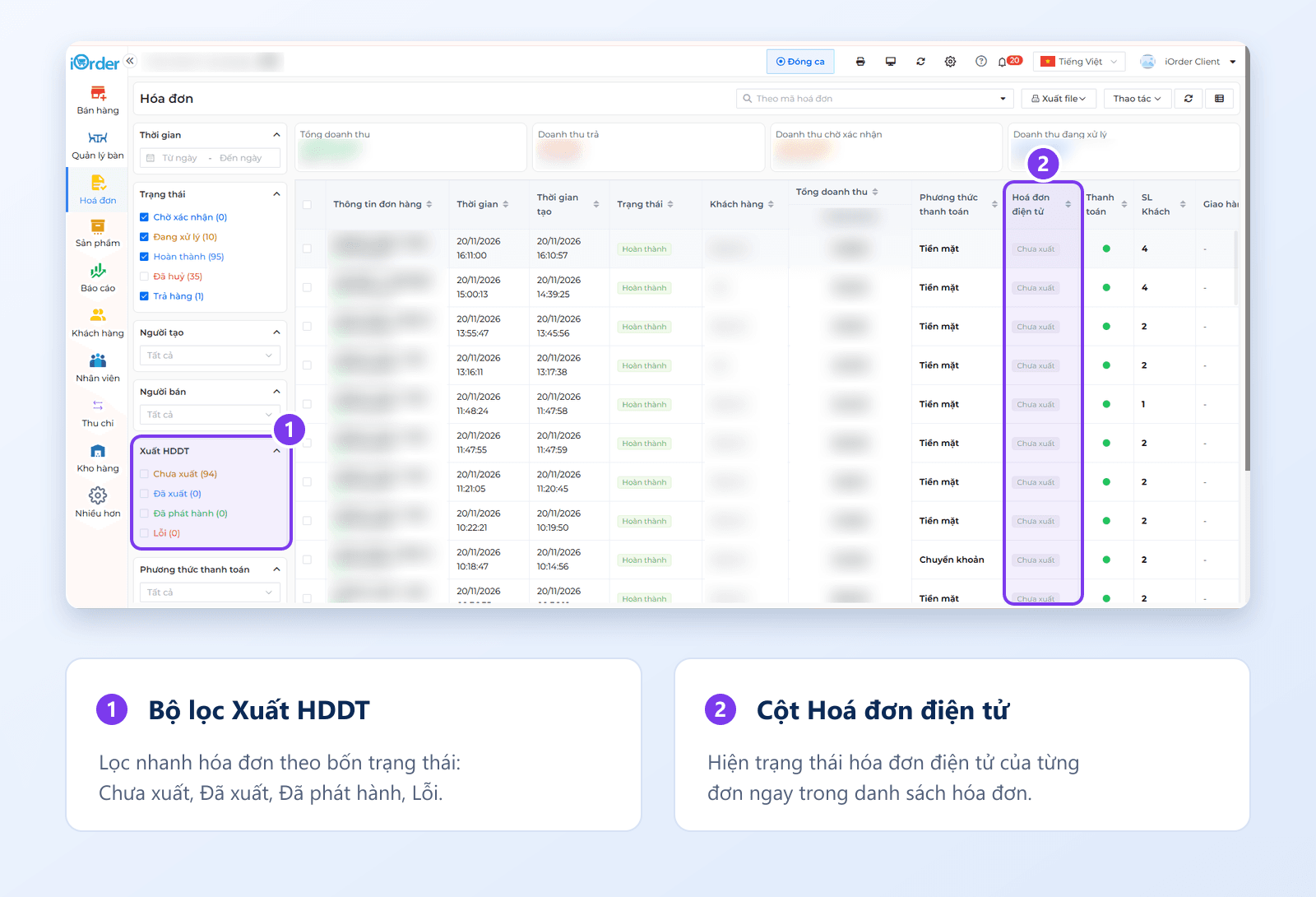
View invoices in Unissued, Issued, Issued, or Error status in the Invoices screen.
Manage Invoices
The Invoice screen has an Electronic Invoice column for each invoice and an Export HDDT filter, helping store owners and accountants quickly find invoices that need to be processed.
Features
Create electronic invoices directly from sold orders, without having to re-enter information.
Invoices are signed with a digital signature before being sent to customers.
Invoices are emailed to customers automatically.
Look up issued invoices and the status of each invoice in iOrder.
Benefit
Information on the invoice is taken from the sales order, limiting errors when entering by hand.
Check issued invoices right in the sales process, no need to open another tool.
Q&A
iOrder supports connection to VNPT, Viettel, MobiFone, BKAV, MeInvoice, VietInvoice. Enterprises select the supplier they are using in the Set up electronic invoice connection screen.
The Invoices screen has an E-Invoice column and an HDDT Export filter with four statuses: Not Exported, Exported, Issued, and Error.
iOrder supports digital signature registration together with an e-invoice package.
Invoices comply with current regulations on electronic invoices.
See More
Tell us about your current business model and what you need to implement. iOrder will recommend a suitable solution.