A confusing coffee shop menu will slow down the whole shop: the cashier has to browse for a long time to find the item, the price for each size, each style, and the shop owner has to edit dozens of lines every time he changes the price. The good news is that most of the confusion comes from the initial organization, and can be solved with a few simple rules.
Coffee shop menu: starting from how to group dishes
Divide into groups according to how customers order, not according to how the kitchen prepares: Coffee, Tea, Smoothies, Cakes. Each item belongs to only one group and the group name is short and easy to understand so that the staff can see where the item is. The right number of groups keeps the sales screen compact and makes reports by group easier to read.
One dish, many sizes: don't make multiple dishes
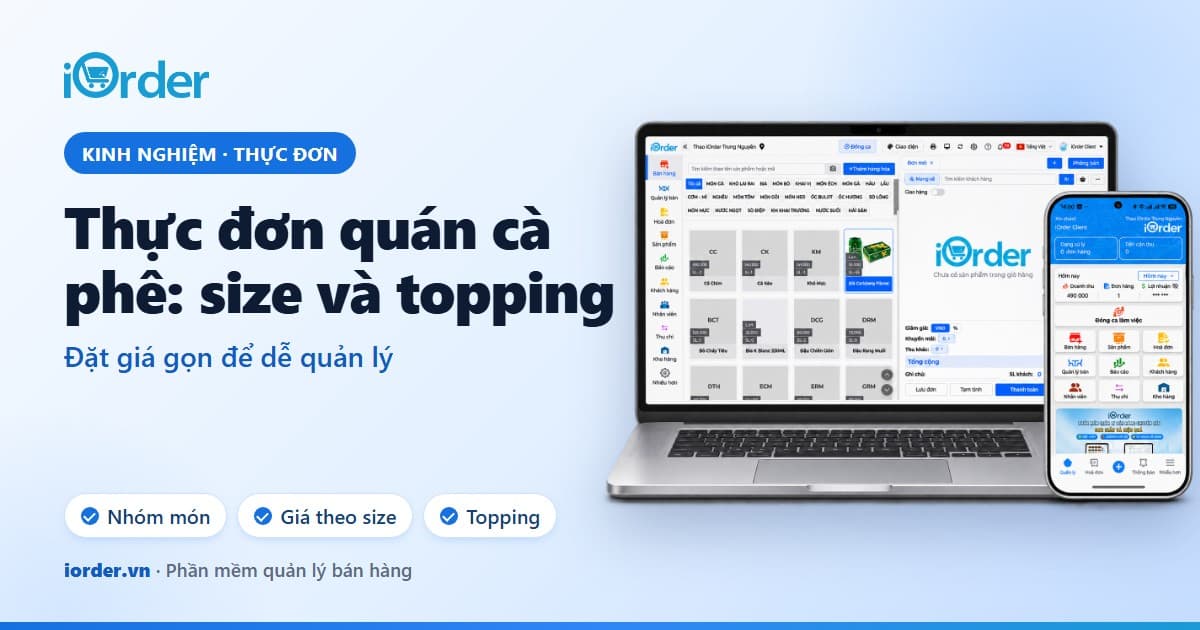
A common mistake is to create separate size M milk coffee and size L milk coffee into two dishes. A more compact way is to create an item and add a size attribute with an additional price. When you change the price, you only fix one thing; When viewing the report, the item's revenue is combined instead of separated.
Choose a standard size as the original price
Other sizes add or subtract from the original price
Use consistent size names across the menu (S, M, L) so staff don't have to remember many styles
Topping is used for many dishes
Pearls, jelly, and cream cheese appear in many dishes. Instead of re-entering each dish, create a shared topping once and then apply it to the appropriate dishes. The price of toppings is fixed in one place so prices can be changed quickly and no dishes are missed.
Set the name and code of the dish to order quickly
The name of the dish should be short and the way customers usually call it. Assign a short code to each item, so the cashier can type in the code or name to find it quickly during rush hours instead of scrolling through each group. Avoid two dishes with similar names that can easily cause confusion.
Combos and seasonal dishes
Combos help increase the value of each order while still compacting the menu: combine a drink with a side dish into a separate priced item. Seasonal dishes or promotions should have a clear deadline and be removed when the season ends so that the menu does not balloon over time.
Review the menu periodically
View reports of slow-selling items and consider abandoning or improving them.
Check if the price of each size and topping is still reasonable compared to the cost price.
Compare the menu in the software with the menu printed for customers.
Update dish photos if there are any changes.
How to create dish groups, add dishes and set prices according to size and toppings is guided step by step in Instructions for creating menus and selling prices. If you are choosing tools for your shop, see more 7 criteria for choosing coffee shop management software.
Get started with iOrder
iOrder is POS management software for computers, POS terminals, and phones. It combines sales, table management, inventory, invoices, receipts and expenses, shift closing, and reporting in one system. You can view Introducing iOrder POS management software or leave information on the page Contact Let the iOrder team advise you on how to apply menu building to your store model.