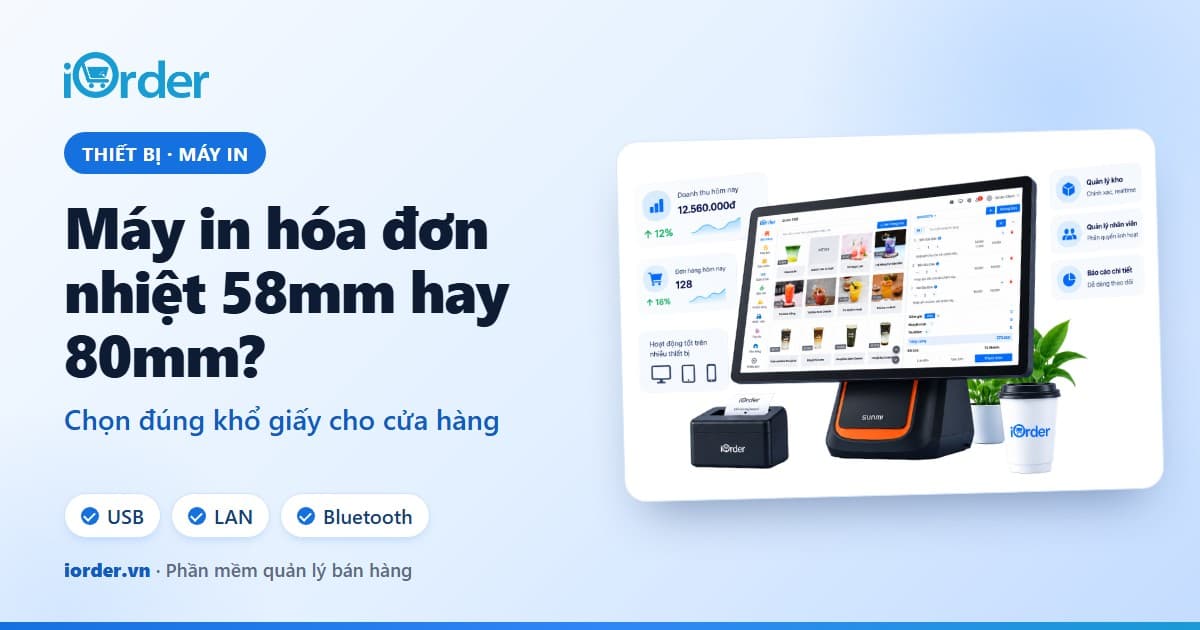
Thermal receipt printers are small devices but are used continuously throughout the day: each order passes through it at least once. The first question when buying is whether to choose 58mm or 80mm paper size. Both are supported by iOrder, and the right choice depends on what you need to print and the space where the machine is located.
How does thermal printer work?
Thermal printers do not use ink. The print head heats specialized paper to display text, so the machine is compact, prints quickly, has little damage and operating costs are just paper money. This is the reason why almost every restaurant and convenience store chooses this type for invoices and kitchen vouchers.
Compare 58mm and 80mm sizes
Size 58mm
Compact, saves space in narrow counters or mobile sales carts
Paper is cheaper, suitable for short invoices with few dishes
Often used with handheld POS machines and Bluetooth connections
The text is shorter, so long dish names can easily get lost
Size 80mm
The invoice is spacious, with enough space for item name, quantity, unit price and amount
Suitable for restaurants, cafes with many dishes and many notes
Easier to read, especially kitchen coupons need large letters
Paper and machines are usually a bit more expensive
Which size should you choose according to your business model?
Coffee shops, milk tea shops, restaurants: 80mm size is preferred to clearly print dish names, toppings, and notes
Retail and grocery stores: both sizes are acceptable, choose according to the level of invoice detail
Mobile sales and delivery: 58mm size, compact and lightweight, convenient to carry
There are both guest receipts and kitchen vouchers: 80mm size for the kitchen, any size is fine for the counter
Choose the appropriate connection type
USB: Simple, stable, suitable when the printer is placed next to point of sale equipment.
LAN (network): The printer is located far away from the counter like the kitchen, so multiple devices can print through one machine.
Bluetooth: Wireless, neat, suitable for handheld POS machines and phones.
A few notes when buying and using
Buy thermal paper of the correct size and roll diameter that the machine supports.
Store the paper in a cool place, away from sunlight because thermal paper changes color when exposed to heat.
Install the correct driver according to your device model before connecting to the software.
Always have a spare roll of paper at the counter.
After purchasing, you can install it yourself Instructions for installing a receipt printer and download the driver from page Installation Support. If you need to choose the device for the correct model, see List of sales equipment.
Get started with iOrder
iOrder is POS management software for computers, POS terminals, and phones. It combines sales, table management, inventory, invoices, receipts and expenses, shift closing, and reporting in one system. You can view Introducing iOrder POS management software or leave information on the page Contact Let the iOrder team advise you on how to choose and install printers for your store model.