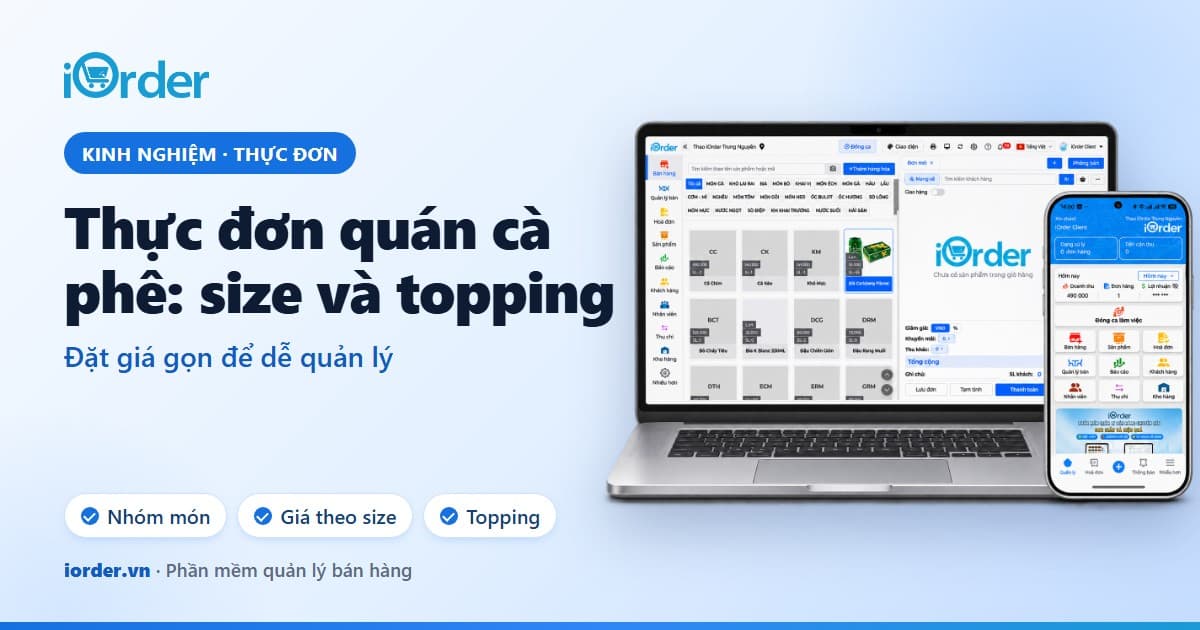
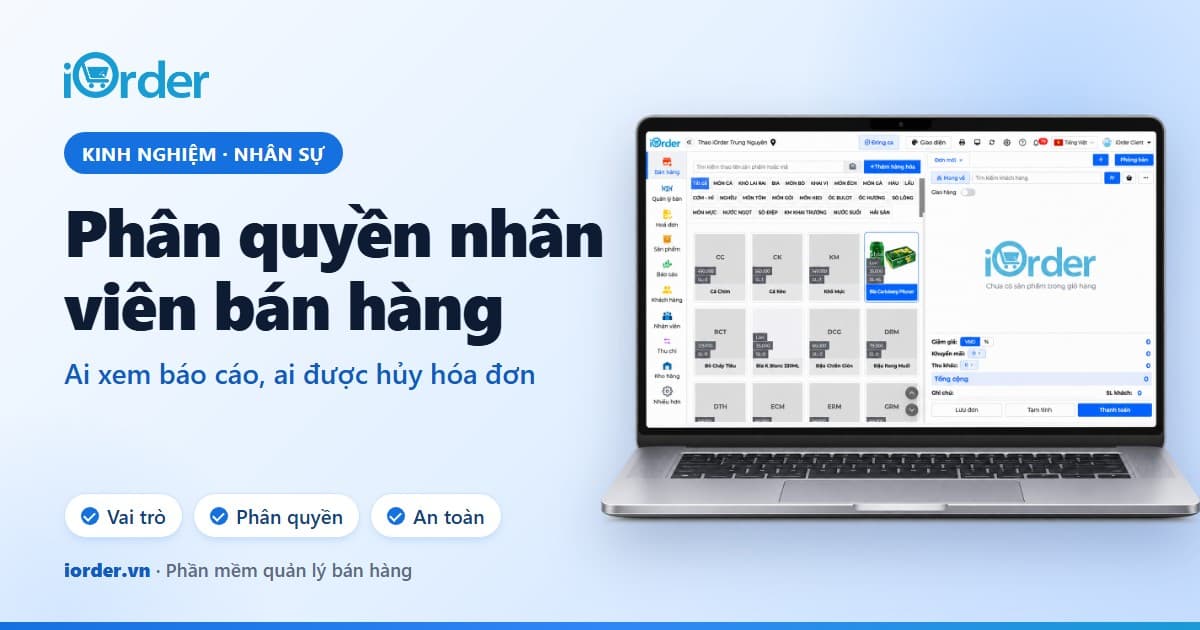
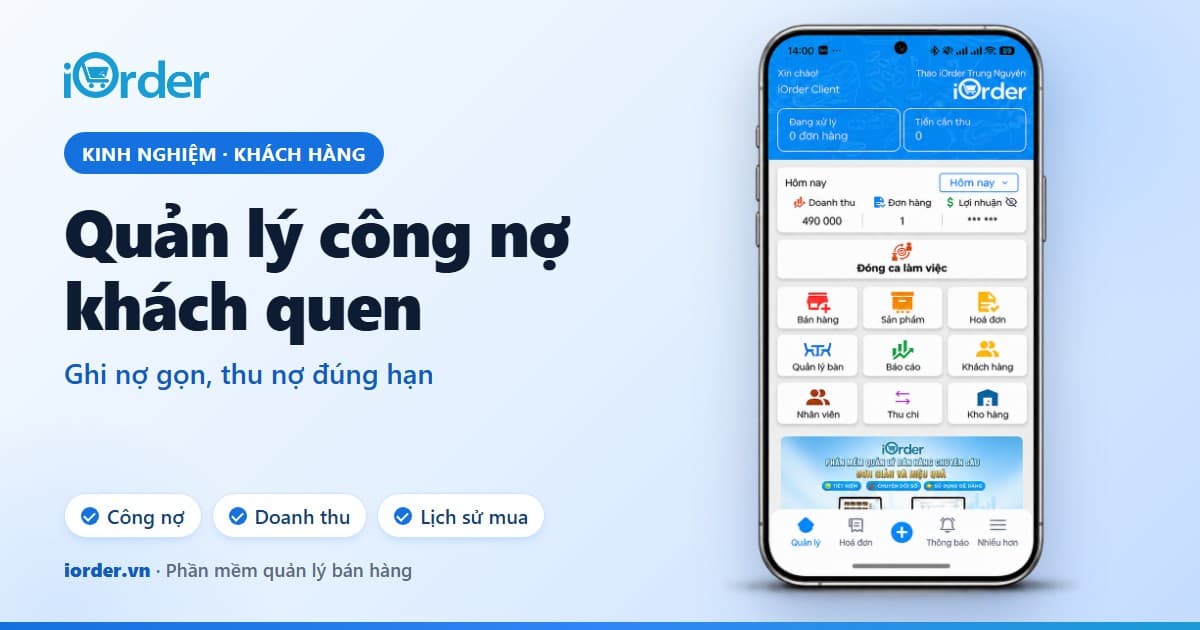
Peak hours are when cashiers need to act fastest. The interface of iOrder POS management software was remade around that need, so that each order requires fewer steps from the time the customer orders to the time of payment.
Why did iOrder redo the sales interface?
The Sales screen is where cashiers and managers work most of the day. A redundant operation repeated hundreds of times per shift will turn into waiting time for customers. Therefore, the new version keeps the familiar way but gathers commonly used operations together, helping new people get used to it quickly. This is also the first criterion when choosing a billing software for the store.
Major changes
The ordering screen is more compact, find dishes by name or code
Split and merge tables with just two touches
QR payment appears right on the guest screen
Switch quickly between table service, takeout and delivery
Where is the POS software faster to use?
At the ordering step, the cashier just needs to type in the name or item code to immediately see the results, without having to flip through each group. With a crowded table, separating the bill for each person or combining multiple tables into one can be done right on the table map without having to open another screen.
At the payment step, the QR code is displayed directly on the customer screen. Customers scan and transfer money on the spot, the cashier does not need to read account numbers or wait for customers to find information themselves.
How to update?
Updates apply automatically to all stores, no reinstallation required. Sales data is kept intact.
After updating, you can see detailed instructions for each operation at Sales guide and Table Management guide. If you need support while getting acquainted, the iOrder team is always ready via the site Contact.
Read more
Coffee shop management software: 7 criteria for choosing the right one from the start: seven criteria for choosing coffee shop management software.